
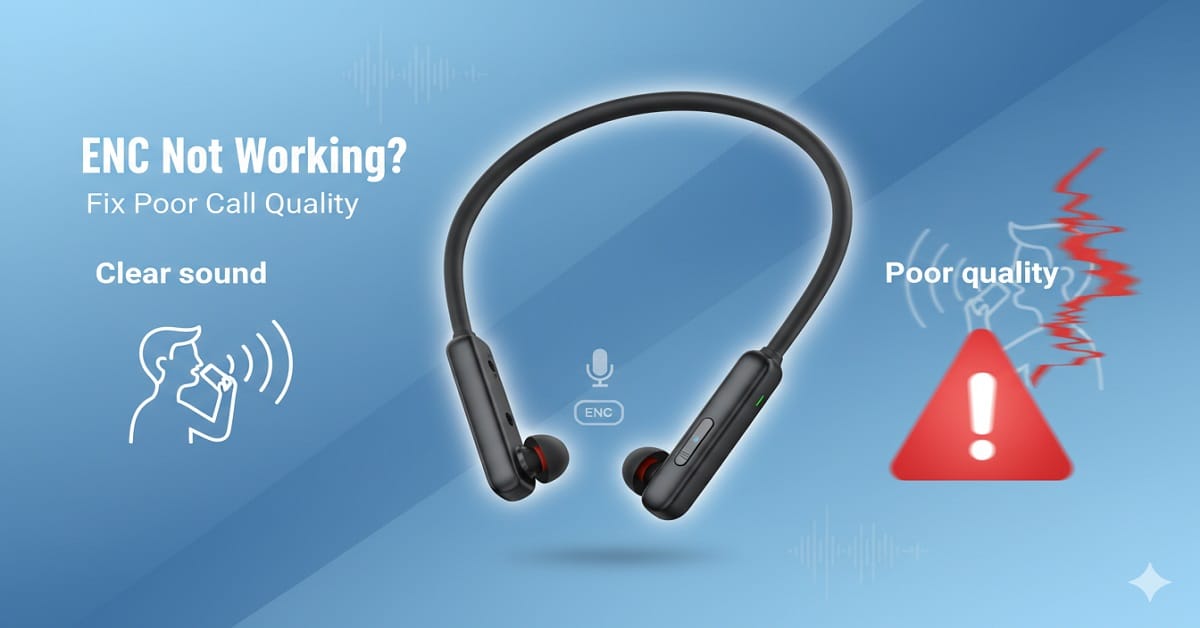
If you’re facing poor call quality on your neckband and wondering why the other person can’t hear you clearly, you’re not alone. One of the most common complaints users have is that their neckband ENC not working properly.
You might have bought your neckband thinking ENC will remove background noise completely. But in real life, calls still sound noisy, unclear, or sometimes even worse than expected.
In this guide, I’ll explain everything in simple terms. We’ll cover what ENC actually is, how it works, why your neckband ENC not working, and most importantly, how you can fix it step by step without any technical confusion.
What Is ENC in Neckbands?
ENC stands for Environmental Noise Cancellation.
In simple words, ENC helps reduce background noise during calls, so the person on the other side hears your voice clearly.
Here’s an easy way to understand it:
- ANC = helps you hear better
- ENC = helps others hear you better
So when you’re on a call in a noisy place like traffic or a busy office, ENC tries to reduce that background noise.
Similar Post: Personalized Audio 2025: How AI & ML Tune Your Sound
How ENC Works in Neckbands
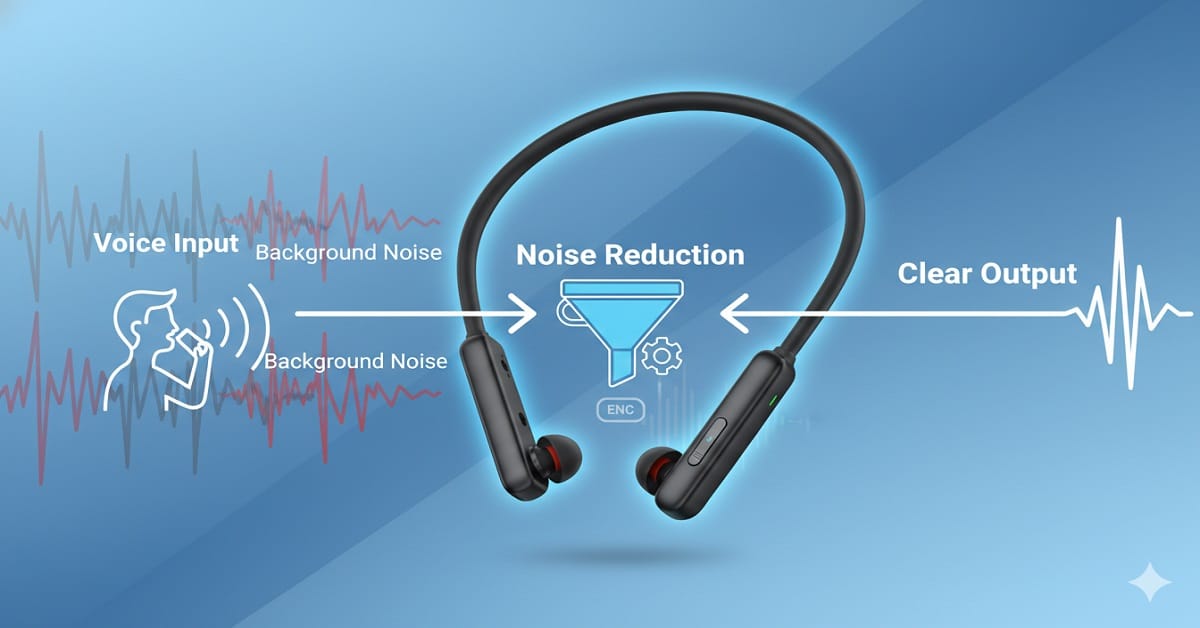
To understand why your neckband ENC not working, you need to know how it actually works.
Here’s a simple step-by-step explanation:
- The neckband has multiple microphones
- One mic focuses on your voice
- Another mic picks up surrounding noise
- The system compares both sounds
- It reduces background noise and sends your voice clearly
Think of it like this:
Imagine you’re talking in a crowded room. ENC acts like a smart filter that tries to separate your voice from the noise.
But here’s the important part — it’s not perfect.
Types of ENC in Neckbands
Not all ENC is the same, which is one reason why people feel their neckband ENC not working.
Basic ENC
- Found in budget neckbands
- Reduces some background noise
- Works best in mild environments
Dual Mic ENC
- Uses two microphones
- Better noise separation
- Common in mid-range neckbands
AI ENC / Advanced ENC
- Uses software + hardware
- Smarter noise filtering
- Works better in complex environments
If your neckband has basic ENC, expectations should be realistic.
Why Your Neckband ENC Is Not Working
Now let’s get into the real problem — why your neckband ENC not working properly.
Wrong Expectations
ENC does not completely remove all noise.
Example:
If you’re standing next to heavy traffic, ENC cannot make your voice perfectly clear.
Microphone Blocked
This is one of the most common reasons.
- Dust
- Sweat
- Finger placement
If the mic is blocked, ENC won’t work properly.
Incorrect Wearing Position
Neckbands need to sit properly around your neck.
If the mic is too far from your mouth, your voice won’t be captured clearly.
Bluetooth Connection Issues
Poor connectivity can affect call quality.
- Interference
- Low signal
- Multiple devices connected
All these can make it feel like your neckband ENC not working.
Low Battery
When battery is low, performance may drop.
Some neckbands reduce processing power, which affects ENC.
Software or Firmware Issues
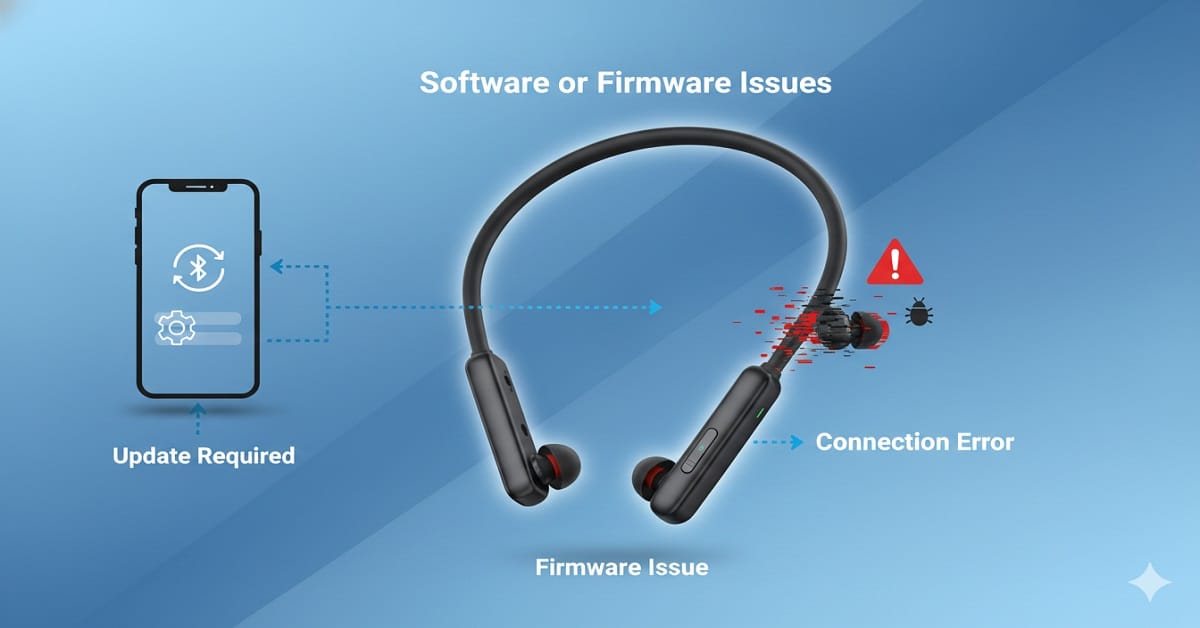
Sometimes the issue is not hardware but software.
- Outdated firmware
- Bugs in the system
Cheap ENC Implementation
In budget neckbands, ENC is sometimes more of a “marketing feature” than a strong performance feature.
Advantages of ENC in Neckbands
Even though people complain about neckband ENC not working, it still has real benefits.
- Improves call clarity in moderate noise
- Reduces fan, AC, and background hum
- Makes calls more professional
- Useful for work calls and meetings
Limitations of ENC
Let’s be honest about limitations.
- Cannot remove loud or sudden noise
- Struggles in crowded environments
- Depends heavily on mic quality
- Performance varies by brand
This is why many users feel their neckband ENC not working, when in reality it’s just reaching its limit.
Recommended for you: Battery & Charging in Audio Gear (2025): What’s Truly Realistic Today
Practical Scenarios (Real-Life Use)
Works Well
- Indoor calls
- Office environment
- Mild background noise
- Home usage
Struggles
- Heavy traffic
- Windy outdoor areas
- Loud public places
- Construction noise
So if you’re testing ENC in extreme conditions, it may feel like your neckband ENC not working, but it’s actually expected behavior.
Step-by-Step Fix: How to Improve Call Quality
Here are simple fixes you can try right now.
Clean the Microphone
Use a soft cloth or brush to remove dust.
Wear It Correctly
Ensure the mic is close to your mouth.
Check Bluetooth Connection
- Stay within range
- Disconnect unused devices
Charge Your Device
Always keep battery above 20–30%.
Restart the Neckband
Simple reset can fix temporary issues.
Update Firmware (If Supported)
Check the brand app if available.
Test in Different Environments
Try calling from a quiet place to compare.
ENC vs ANC (Important Difference)
Many users confuse these two.
Keep Reading: How Active Noise Cancellation Works
| Feature | ENC | ANC |
|---|---|---|
| Purpose | Call clarity | Listening experience |
| Works for | Other person | You |
| Use case | Calls | Music |
If you expected ENC to block noise for you, it may feel like your neckband ENC not working, but that’s not its job.
FAQs
1. Why is my neckband ENC not working during calls?
It could be due to mic blockage, poor positioning, or high background noise.
2. Does ENC remove all background noise?
No, it reduces noise but cannot eliminate everything.
3. Is ENC important for calling?
Yes, especially if you take calls in noisy environments.
4. Can software updates fix ENC issues?
Yes, in some cases firmware updates improve performance.
5. Are expensive neckbands better for ENC?
Generally yes, because they use better microphones and processing.
6. How do I test if ENC is working?
Make a call in a noisy place and ask the other person about clarity.
Conclusion
If you feel your neckband ENC not working, don’t worry. In most cases, it’s either due to unrealistic expectations or small issues like mic blockage, positioning, or environment.
ENC is a helpful feature, but it has limits. It works best in moderate conditions, not extreme noise.
Simple advice:
- Use ENC in the right environment
- Keep your device clean and properly worn
- Don’t expect complete silence removal
If call quality is your top priority, investing in a neckband with better ENC technology can make a noticeable difference.
Once you understand how ENC actually works, you’ll stop thinking it’s broken and start using it the right way.
If this guide helped you understand why your neckband ENC not working and how to fix poor call quality, consider sharing it with your friends or colleagues. Many people struggle with unclear calls and don’t realize that small things like mic placement or environment can make a big difference. A quick share from you could save someone from frustration and help them get better call clarity instantly.
You can send this article in your WhatsApp groups, share it on social media, or pass it along to anyone using neckbands for calls or meetings. It only takes a moment, but it can genuinely help others understand and fix their issue without wasting time or money.

About the Author
Hari Prasad is the editor of AudioPick.in and a lifelong audio enthusiast. He writes detailed, honest reviews and guides to help everyday users pick the right gear without tech jargon. His personal interest in Bluetooth audio, neckbands, and codecs comes from testing dozens of devices over the past few years.










)